 CarMood
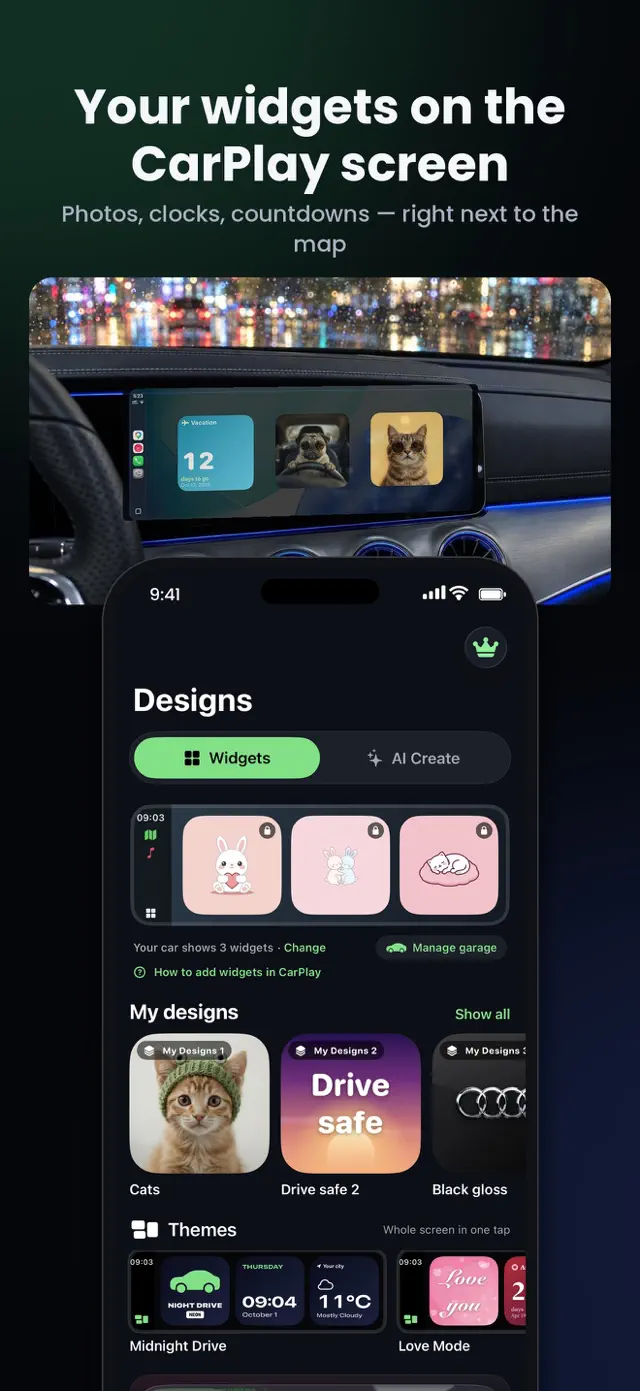
Widgets for CarPlay
Clock, weather, speed, your photos, your car's logo, countdowns, moon phase and more — right on the CarPlay Dashboard.
Widgets for the CarPlay screen, one-tap themes and your own startup sound — plus a big speedometer, trip log and AI designs.
Free to try in your car. Requires iOS 26 and a car with CarPlay.

Clock, weather, speed, your photos, your car's logo, countdowns, moon phase and more — right on the CarPlay Dashboard.
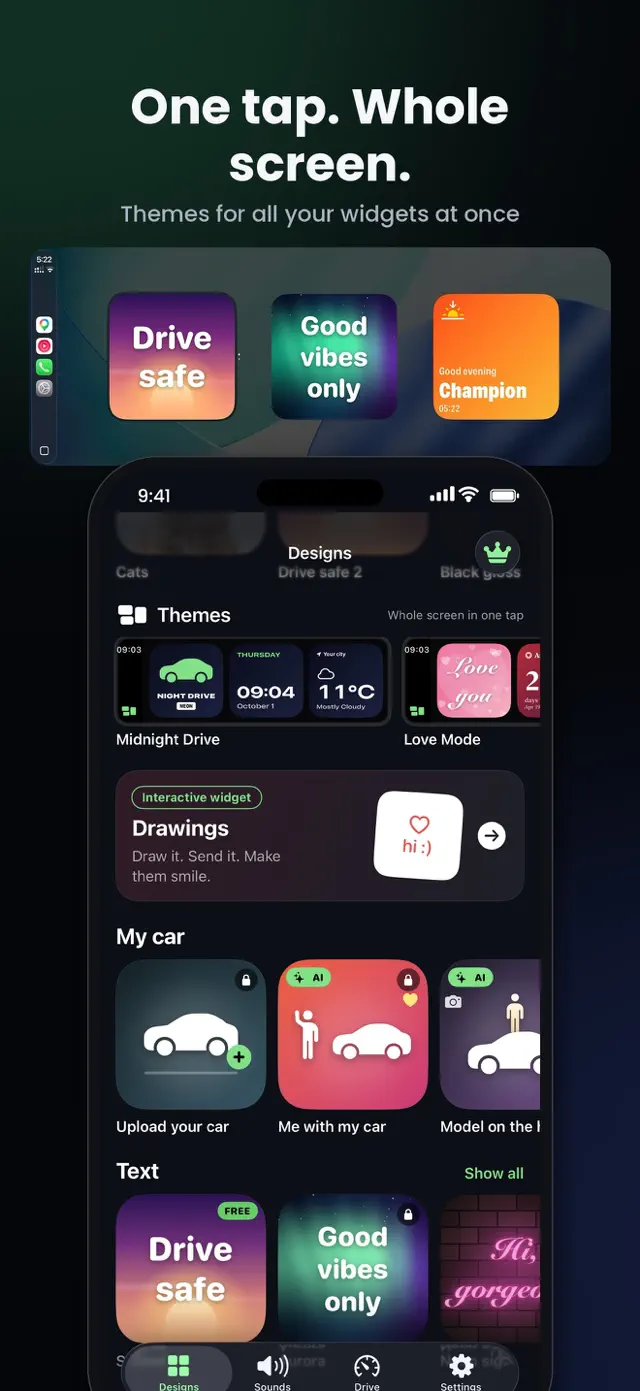
Change all three Car Widgets at once. Midnight Drive, Love Mode and more — a whole new look in a second.
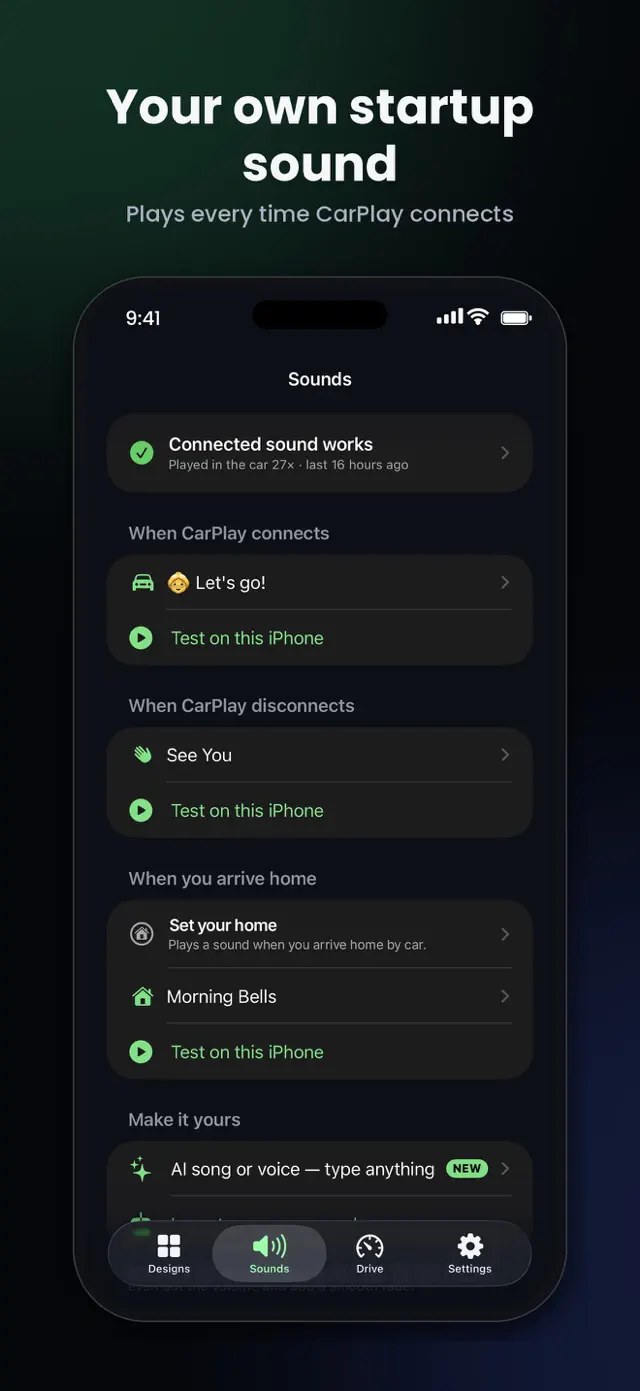
Hear a sound when CarPlay connects, disconnects or when you arrive home. 100+ sounds, trending memes, or your own.
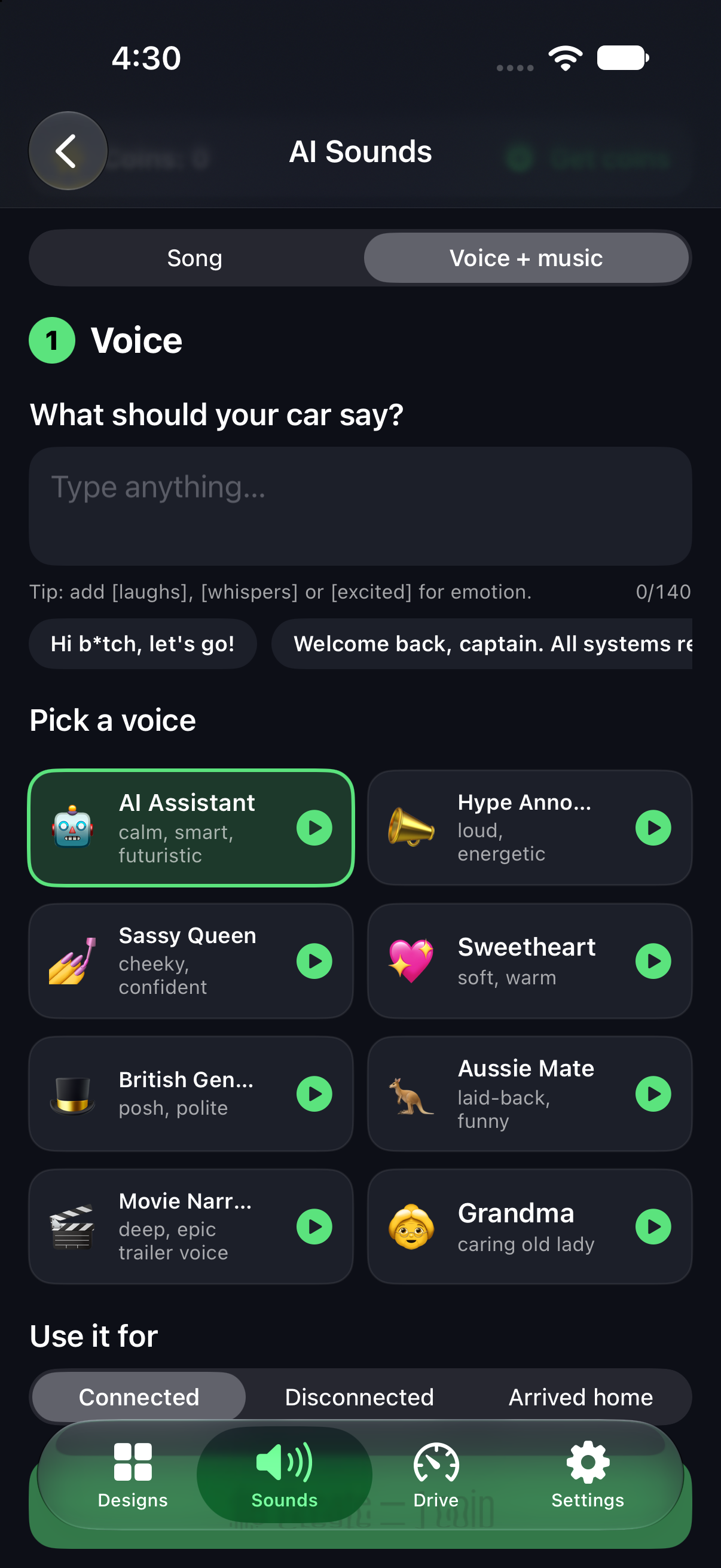
Type your words and AI sings them as a song — or says them over music. Rock, gospel choir, synthwave and more.
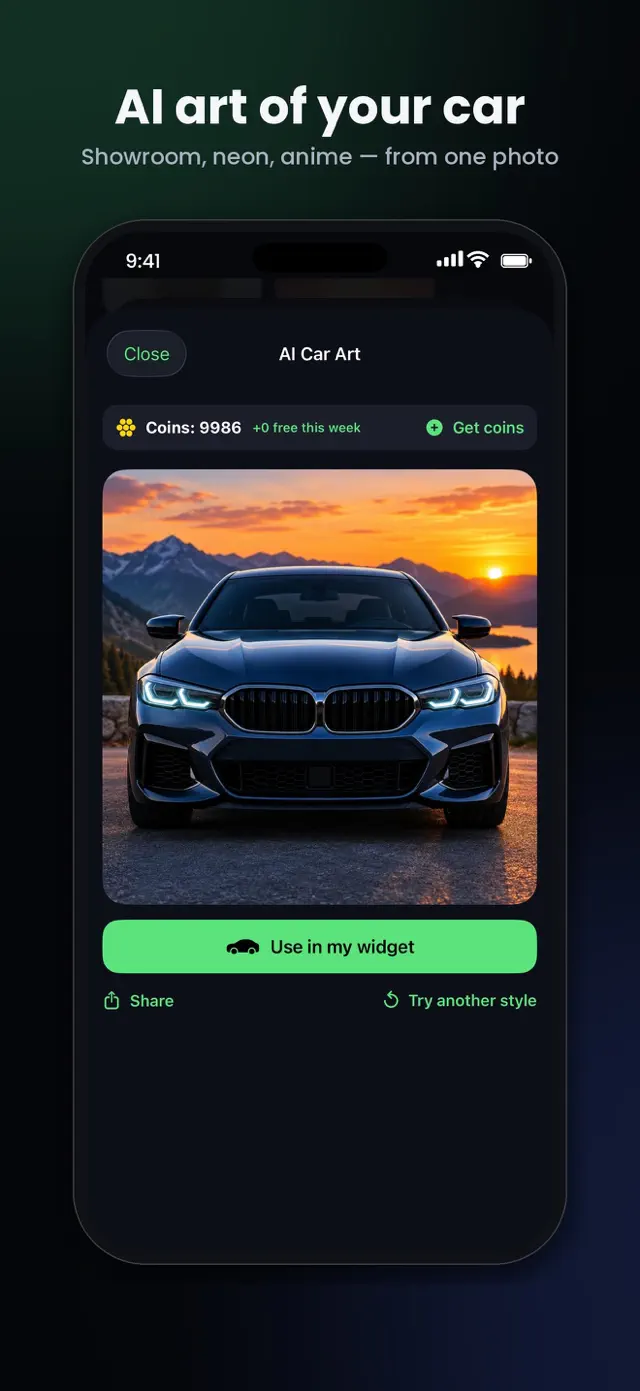
Turn a photo of your car into anime, neon or 3D art, or design a chrome badge for your logo widget.
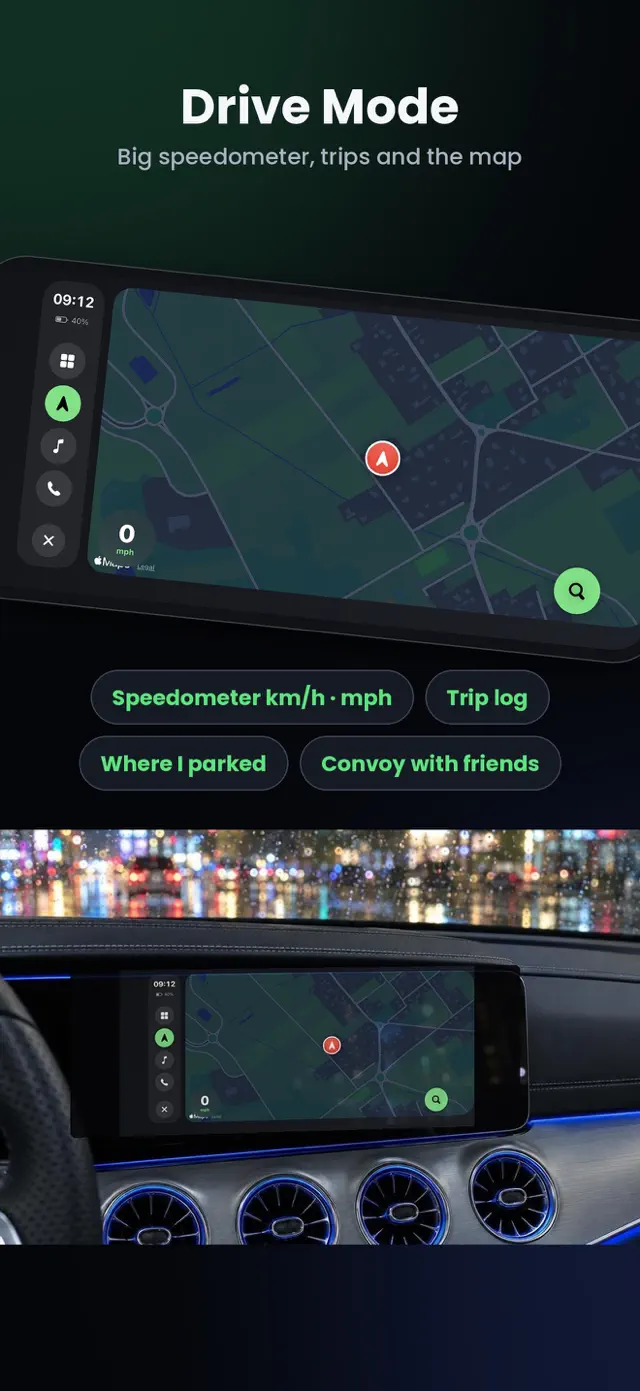
A big speedometer in km/h or mph, an automatic mileage log, where-I-parked, and Drive Mode for landscape driving.
Road trip with friends? Everyone sees everyone on the map, live.
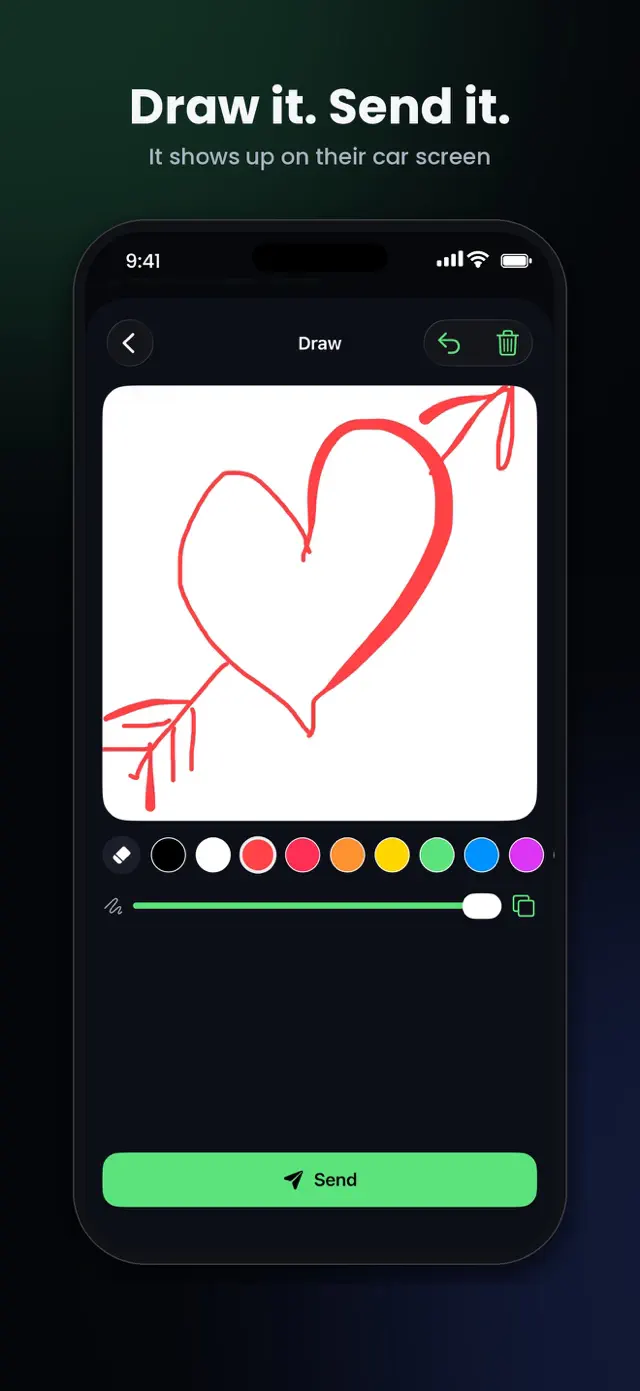
Draw a little note — it shows up on their car widget. Receiving is always free.
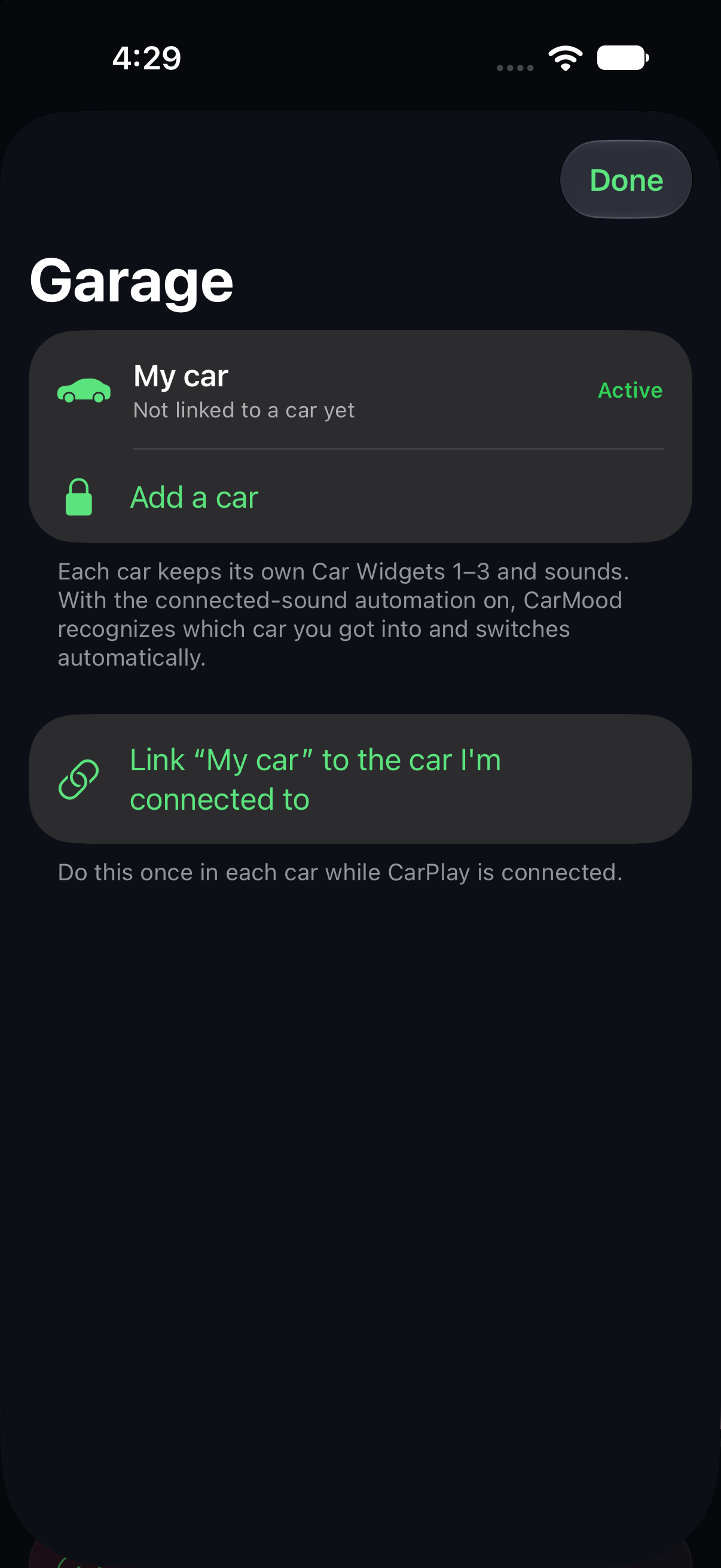
More than one car? Each gets its own widgets, switched automatically when CarPlay connects.
CarMood keeps a logbook of your drives and fill-ups, and turns your iPhone into a car screen when you need one.
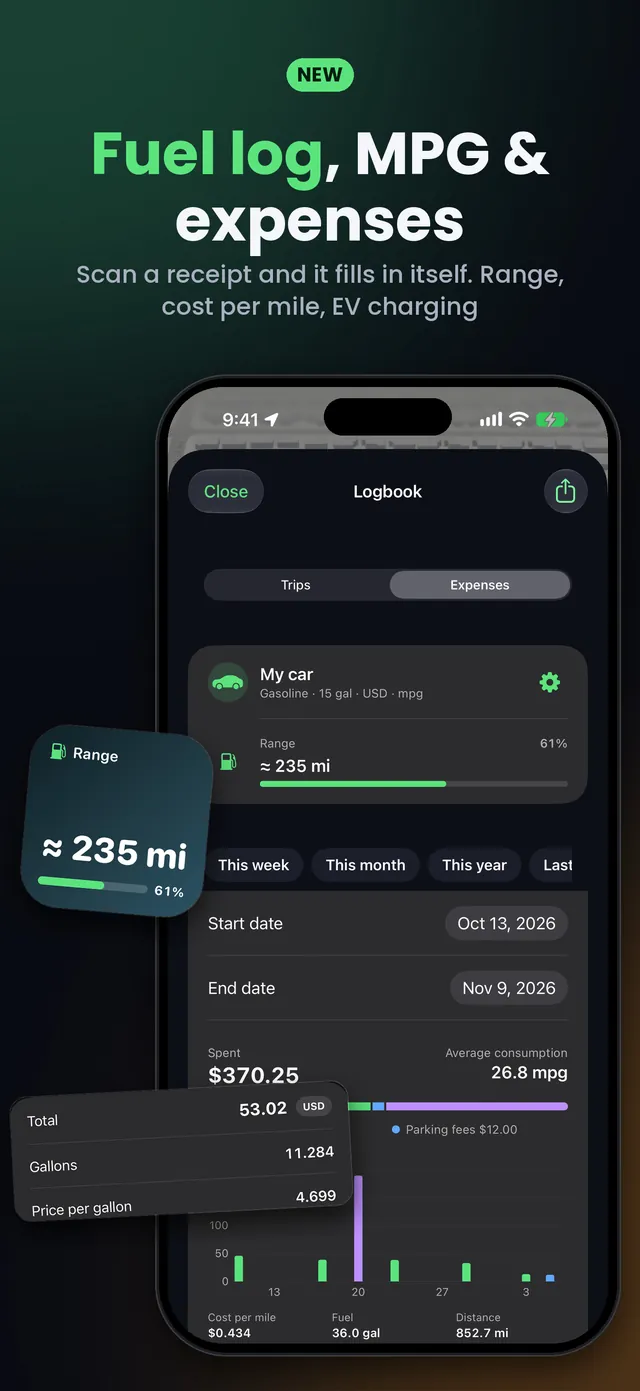
Scan a receipt and the fill-up fills itself in. Gas mileage, range, cost per mile, EV charging, parking and tolls.
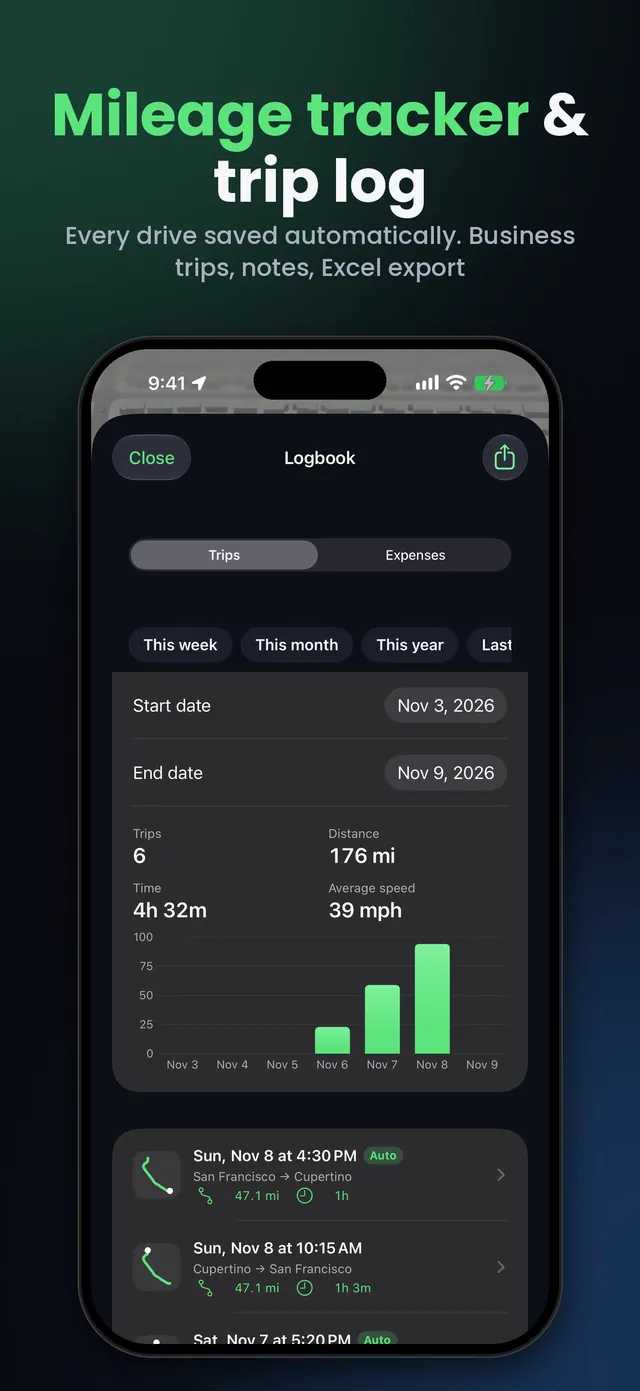
Every drive is saved by itself. Mark work trips, add notes and export everything to Excel.
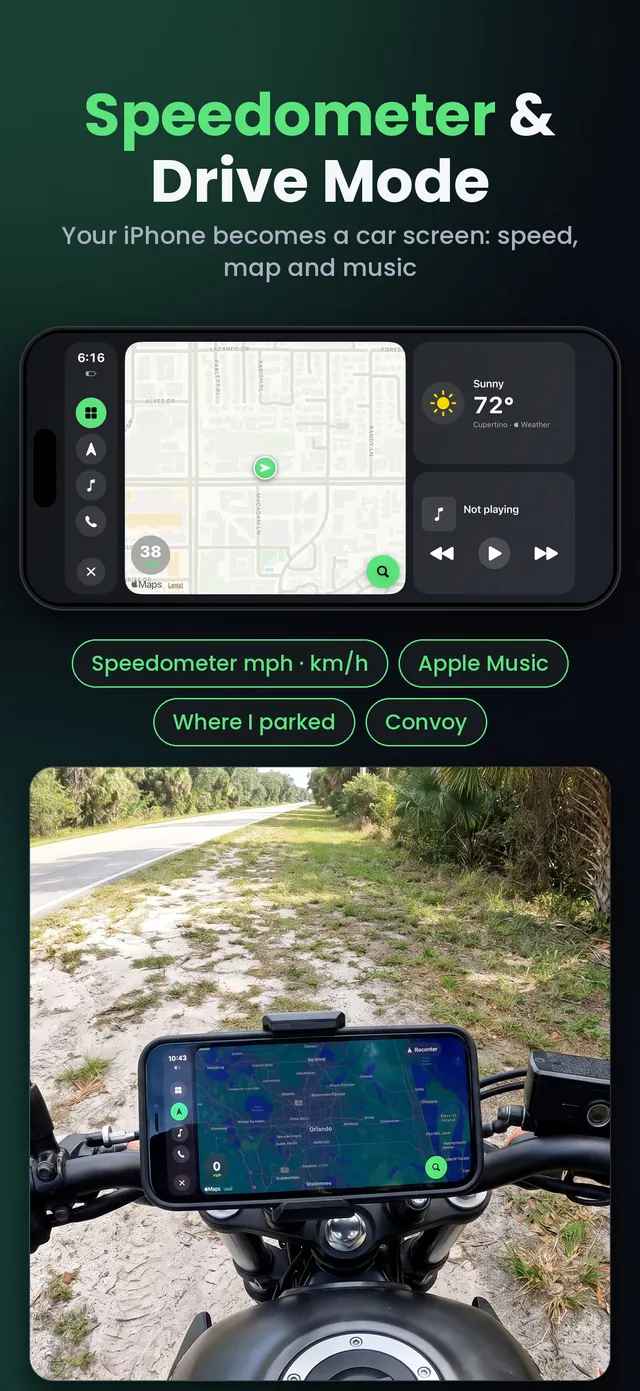
A big speedometer in mph or km/h. No CarPlay? Drive Mode turns your iPhone into a car screen: map, music and calls.
Choose widgets, a theme and a sound in CarMood. Put up to three designs on Car Widget 1–3.
iPhone Settings → General → CarPlay → your car → Widgets → add “CarMood”.
Swipe to the widgets screen, one page to the left of the Dashboard. Your sound plays as soon as CarPlay connects.
Any car or head unit with Apple CarPlay — wired or wireless — and an iPhone on iOS 26 or later. Smaller screens show fewer widgets at once.
Try it before you pay: Car Widget 1 with free designs and a few free sounds work without Pro, so you can check your car first.
CarMood Pro unlocks every design, theme, sound, AI tool and navigation. Weekly or yearly subscription. Cancel anytime. Need more AI creations? Coins never expire.
Yes, if your car or head unit supports Apple CarPlay (wired or wireless) and your iPhone runs iOS 26 or later. CarPlay widgets have their own screen, one page to the left of the Dashboard; how many fit at once depends on the car's screen.
While parked, open iPhone Settings → General → CarPlay → choose your car → Widgets → Add Widgets → CarMood. In the car, swipe to the widgets screen, one page to the left of the Dashboard — widgets are not on the screen with app icons.
CarMood sets it up with one Shortcuts automation: Automation → New Automation → CarPlay → Connects → Run Immediately → add the CarMood action “Play connected sound”. iOS plays its short chime first, your sound follows right after.
You can try it for free: Car Widget 1 with free designs and a few free sounds. CarMood Pro unlocks everything. Cancel anytime.
On touch screens, CarPlay widgets can respond to taps, and a tap can open the matching CarPlay app. CarMood widgets are made to glance at: change designs in the CarMood app on your iPhone, while parked.
Yes. Import any audio or video clip (Pro), or create one with AI: a song with your own words or a voice over music.
CarMood is built for glancing. Set everything up while parked, keep your eyes on the road and always follow local laws.
Is there a theme setting in CarPlay? What iOS 26 and iOS 27 let you change — wallpaper, dark appearance, app order, widgets, connect sound — and how to put a matching theme together while parked.
What a CarPlay widget app can and can't do in iOS 26 and iOS 27, what to check before you pay, why a tap sometimes does nothing, and how to test one in your car while parked.
The two CarPlay screens explained: what the Dashboard shows in iOS 26 and iOS 27, how to open it, how to make it your default and where widgets live.
Download CarMood and make CarPlay yours tonight.