 CarMood
Receipt scan
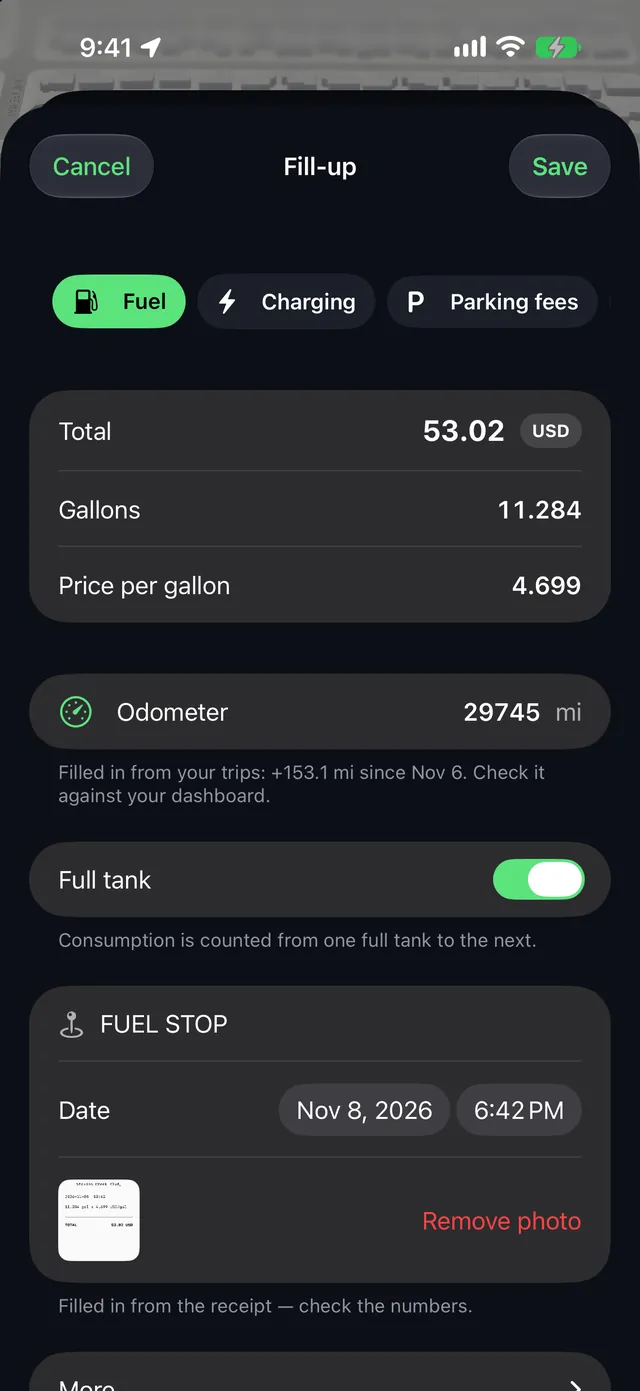
Take a photo or pick one from Photos. The total, gallons and price are filled in: check them and save.
CarMood › Fuel tracker
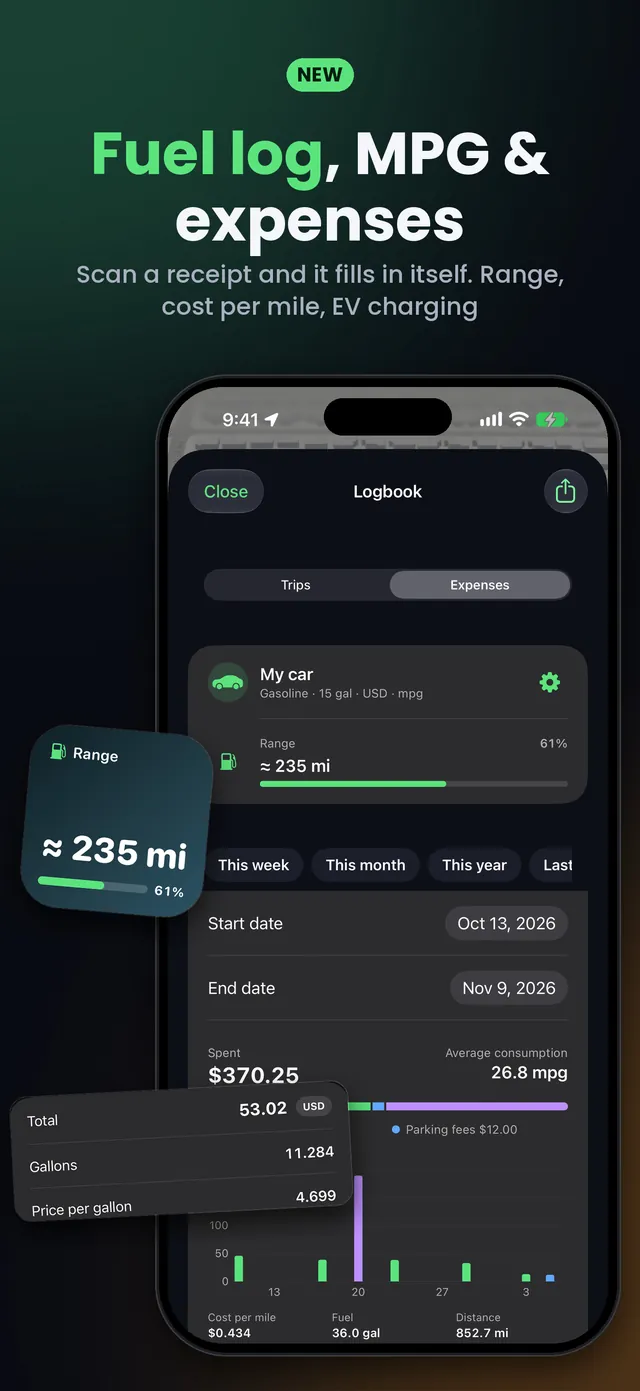
Fuel log · iPhoneLog a fill-up in seconds: scan the receipt and CarMood fills in the total, the gallons and the price. It works out your MPG or L/100 km, your cost per mile and how far you can go on what's left in the tank.
Logging fill-ups and expenses is free. Insights, the Range widget, iCloud sync and Excel export are part of CarMood Pro. iOS 26 or later.
Take a photo or pick one from Photos. The total, gallons and price are filled in: check them and save.
MPG, L/100 km or km/L, counted from one full tank to the next. kWh for electric cars.
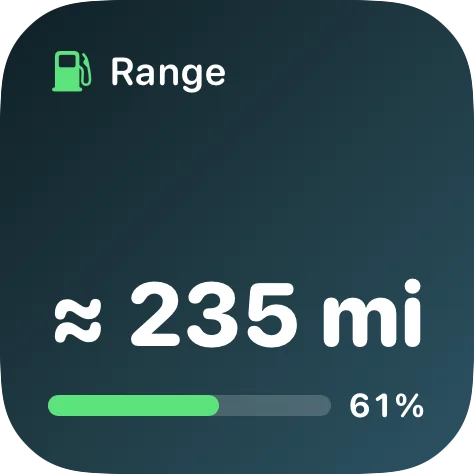
How far you can go on what's left in the tank, in the app and as a CarPlay widget (CarMood Pro).
After a stop at a gas station, CarMood offers to add the fill-up.
Pay at the pump and a Shortcuts automation saves the fill-up for you.
EV charging, parking fees, road tolls and service, with spending by category and cost per mile (CarMood Pro).
Add every fill-up to CarMood's Logbook: the total, the gallons and whether you filled the tank. Scanning the receipt fills in the numbers, and the odometer is taken from your trips; check it against your dashboard. CarMood then shows your average consumption and your cost per mile.
Fill the tank all the way, drive, and at the next full tank divide the miles you drove by the gallons you put in. 300 miles on 10 gallons is 30 MPG. In liters, divide the liters by the kilometers and multiply by 100: 40 liters for 500 km is 8 L/100 km.
CarMood does this for you from one full tank to the next and adds any partial fill-ups in between. With fewer than three full tanks, the number is marked as rough.
Yes. Tap Scan receipt and take a photo, or choose one from Photos. CarMood reads the total, the gallons and the price per gallon right on your iPhone and fills them in. Check the numbers before you save; the photo stays with the fill-up.
Add your tank size in the car settings. After two full tanks, CarMood estimates your range, the miles you can still drive on the fuel that's left, from your own average consumption and the trips since the last fill-up. You see it in the Logbook, and with CarMood Pro as a Range widget on your CarPlay screen.
Yes. Set up a Shortcuts automation for Wallet once; the step-by-step guide is in Expenses. When you pay at the pump, the amount and the station are saved as a fill-up right away. CarMood only gets what the automation passes to it.
In the automation you choose which payments count: a card (a business card, for example), a category, or merchants such as the station where you always fill up.
The pump may first show a hold amount. Scan the receipt later, and CarMood offers the real total and adds the gallons.
Yes. Log charging in kWh with its price. CarMood counts consumption between charges with an odometer reading, and shows the range once you add the battery's usable capacity in the car settings.
Yes: fill-ups, EV charging, parking fees, road tolls, service and other costs, each with its receipt photo. CarMood Pro adds spending by category, cost per mile, a chart and the Excel export.
Pay at the pump as usual.
In CarMood, tap Fill-up, then Scan receipt.
Your gas mileage, cost per mile and range update.
MPG (US) or MPG (UK), L/100 km or km/L, with gallons or liters, in your currency. You set them for each car.
Logging fill-ups and expenses is free. Insights, the Range widget, iCloud sync and Excel export are part of CarMood Pro.
Yes, with CarMood Pro: trips, expenses and a monthly summary in one Excel file, receipt photos as a ZIP.
Yes. The mileage tracker in the same Logbook records every drive, and fill-ups use those trips for the odometer.
Get CarMood and scan your next gas receipt.